SeriesList
SeriesList lists the series names of the running time charts.
How to open SeriesList
SeriesList can be opened from the View menu in the menu bar.
Features of SeriesList
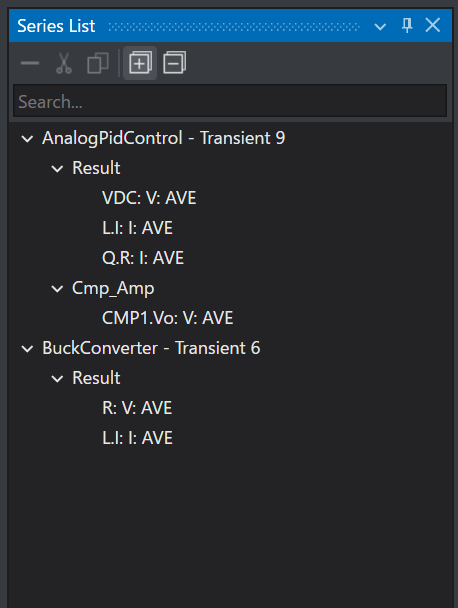
SeriesList lists the series names of the running time charts in a tree structure.
The icons let you perform the following operations.
| Item | Feature |
|---|---|
 |
Removes the selected series data from the time chart. |
 |
Cuts the selected series data from the time chart. You can copy it by doing Paste on a time chart. |
 |
Copies the selected series data to the clipboard. You can copy it by doing Paste on a time chart. |
 |
Expands/collapses all the charts. |